A brewery hosts trivia every Thursday, a garden center launches its spring sale, and a dance studio opens registration for summer camp. Each has something timely to share, but customers checking their Google listing see only the standard details. Business Profile posts fill that gap.
Posts are short updates that appear on your profile. They are free, quick to create, and useful when you have something worth saying.
Types of Posts You Can Create
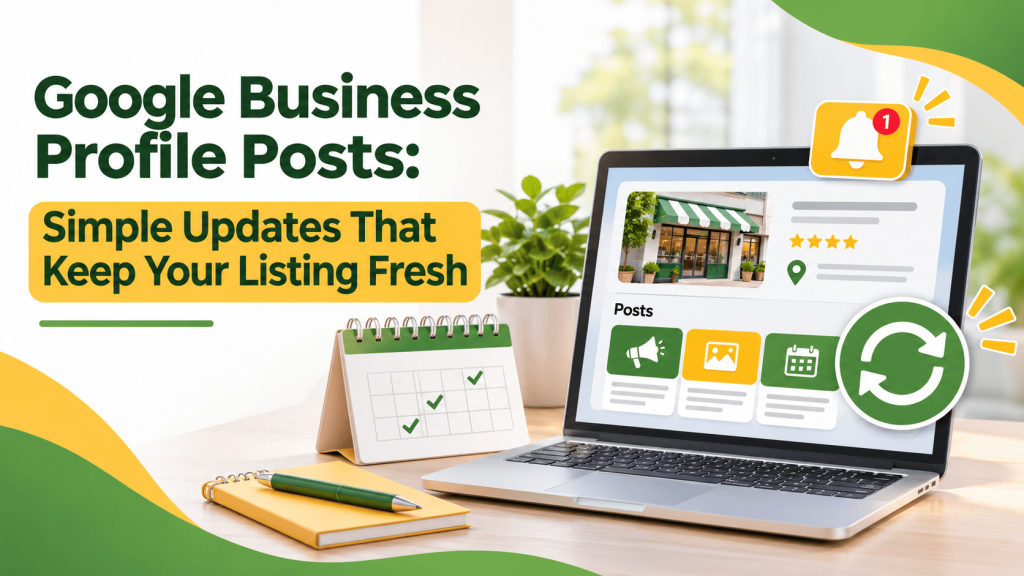
Google Business Profile supports several post types, including general updates, offers, and events. An update might announce a new service or share a seasonal tip. An offer can highlight a discount with terms. An event post includes a title, date, and time, which makes it useful for classes, workshops, or open houses.
Each post can include a photo and a button, such as Learn More, Book, or Call.
Posts work best as a supplement to an already complete profile. Customers still look first at your hours, reviews, photos, and contact details. A post adds timely context, such as an upcoming workshop or a seasonal service, that helps an already interested customer decide to act now rather than later.
What Makes a Good Post
Lead with the most important information in the first sentence. Use a clear, real photo rather than a graphic covered in text. Keep it short and specific: what is happening, when, and how to take part. Avoid stuffing posts with keywords or links to unrelated pages.
Event-focused businesses can use posts and directory listings together. A venue or organizer listed in the Events category on Star Directory might post upcoming dates on Google while keeping its directory listing focused on the venue’s ongoing services and contact information.
How Often to Post
There is no required schedule. Post when you have something genuinely useful to share, which for many businesses means a few times a month. A steady rhythm keeps your profile looking active, but empty filler posts offer little value.
Remove or update posts that become inaccurate, such as an expired offer or a canceled event.
Conclusion
Business Profile posts let customers see what is new before they ever visit your website. Share real updates, events, and offers with clear photos and simple calls to action. Combined with accurate listings on directories such as Star Directory, posts help customers see that your business is active and engaged.
Frequently Asked Questions
Do Google Business Profile posts help rankings?
Google has not said that posts directly improve local rankings. Their clearest value is giving customers timely information and a reason to act. Treat posts as a customer communication tool rather than a ranking tactic.
Can I post the same content on Google and social media?
Yes, sharing the same announcement across channels is fine. You may want to adjust length and tone for each platform. Keep dates, offers, and details consistent everywhere so customers do not encounter conflicting information.
What kind of photos work best in posts?
Clear, real photos related to the post, such as your team at an event or the actual product on sale. Avoid images packed with text, which can be hard to read on phones. Make sure you have permission to use any photo that shows customers.
Are there rules for what I can post?
Yes. Google has content policies for posts that prohibit things like misleading offers, prohibited products, and offensive content. Some regulated industries face extra restrictions. Review the policies, and keep posts accurate and relevant to your business.

admin
Helping businesses and websites get found, one listing at a time.