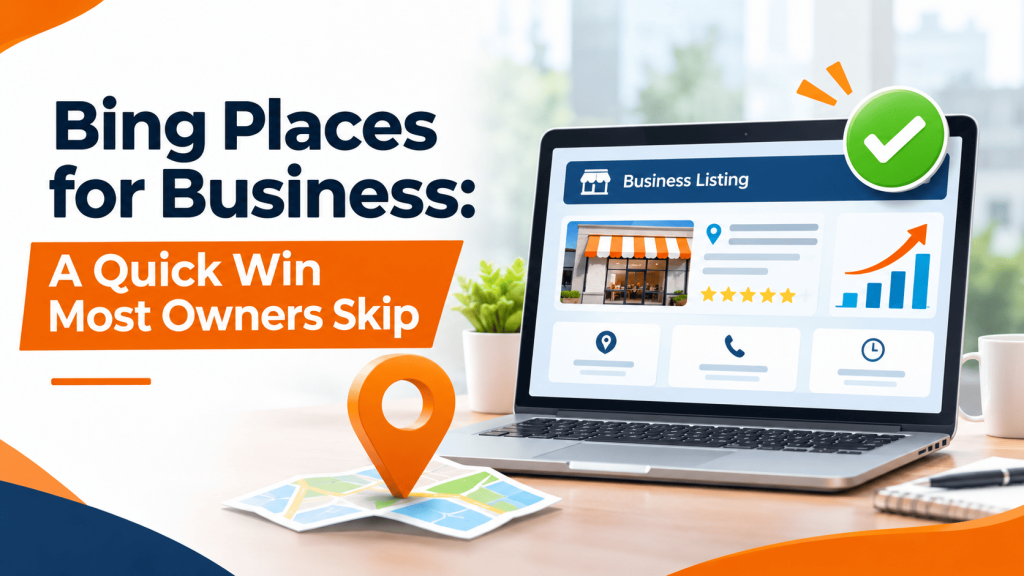
Bing does not get the same attention as Google, so many small businesses never claim their Bing Places listing. But Bing is the default search engine on many Windows computers, and its data appears in other services as well. Some customers will find you there, and a little effort makes sure they see accurate information.
Setting up Bing Places is one of the easiest local visibility tasks you can do.
How to Get Started
Visit Bing Places for Business and sign in with a Microsoft, Google, or Facebook account. Search for your business to see if a listing already exists. If you already manage a verified Google Business Profile, Bing offers an option to import your information, which can save considerable time and help keep details consistent.
If you add the business manually, Bing will ask you to verify it, typically by phone, email, or mail depending on availability.
Before importing, take a moment to confirm that your Google profile itself is accurate. Importing copies whatever is there, including outdated hours or an old phone number. Fixing the source first means you start Bing with clean information and avoid having to correct the same mistake on two platforms later.
Complete Your Listing Thoroughly
Fill in your business name, address or service area, phone, website, hours, categories, and description. Add photos and your logo. Review imported information carefully, since anything outdated on Google will carry over.
Professional services firms, such as consultants and financial advisors, often reach business-minded audiences who use Microsoft products at work. A firm in the Business and Investment category on Star Directory should make sure its Bing listing reflects the same services and contact details as its directory entry.
Maintain It With Your Other Profiles
Add Bing Places to your listing maintenance routine. Update hours for holidays, refresh photos, and check details after any business change. If you imported from Google, remember that later Google changes may not automatically update Bing unless you sync again.
Monitor reviews and information that appear in Bing results for your business name.
Conclusion
Bing Places takes little time to set up and helps ensure customers using Microsoft’s search and related services find accurate details. Claim or import your listing, review it carefully, and maintain it alongside Google, Apple, and directories such as Star Directory. Small, consistent steps like this add up to a reliable online presence.
Frequently Asked Questions
Is Bing Places for Business free?
Yes. Creating and managing a Bing Places listing is free. You only need an account to sign in and the ability to verify that you represent the business. There is no charge for appearing in Bing’s local results.
Can I import my Google Business Profile into Bing?
Bing Places offers an import option for businesses with a Google Business Profile. Importing can speed up setup and keep information consistent. Review everything after the import to make sure hours, categories, and descriptions are accurate and current.
How many people use Bing?
Bing has a smaller share of searches than Google in the United States, but it remains the default on many Windows devices and powers some other services. Even a modest number of customers is worth reaching when setup is free and quick.
Do I need to update Bing separately after changes?
Generally, yes. Changes you make on Google may not automatically appear on Bing. Update Bing directly or re-sync your data whenever your hours, phone number, address, or other key details change, and check the listing periodically.

admin
Helping businesses and websites get found, one listing at a time.