Your Google Business Profile collects useful data about how customers interact with your listing, but many owners never look at it or are unsure what the numbers mean. That is a missed opportunity, because the report shows real actions taken by potential customers.
You do not need analytics expertise. A few minutes each month and a basic understanding of the metrics are enough.
The Key Metrics Explained
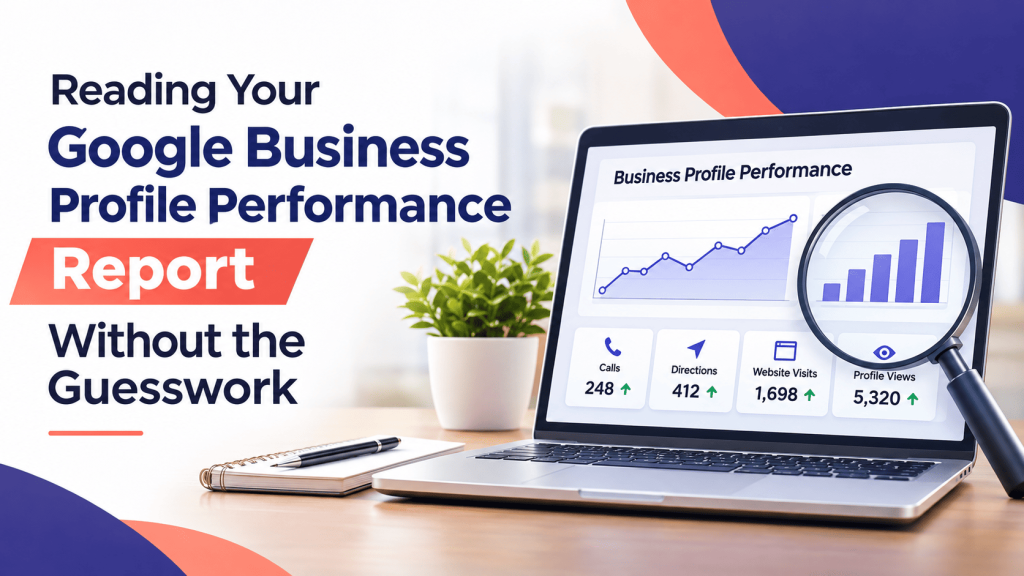
The performance report typically shows interactions, such as calls from the profile, direction requests, website clicks, messages, and bookings where available. It also shows how many people viewed your profile and whether they found it through Google Search or Google Maps, along with the search terms people used before finding you.
Remember that these figures reflect activity on the profile itself, not your whole business. Some customers call from memory or find you elsewhere.
Interactions are usually more meaningful than views. A profile view might be a quick glance, while a call or direction request shows real intent to visit or buy. When reviewing the report, pay closest attention to these actions and how they change over time, rather than focusing only on how many people saw your listing.
Turning Numbers Into Decisions
Look at trends over several months rather than week-to-week swings. If direction requests rise after adding new photos, keep updating them. If search terms show people looking for a service you offer but do not mention, add it to your services and description. Compare seasonal patterns year over year.
Medical practices can learn a lot here. A clinic in the Health and Medical category on Star Directory might see searches for specific treatments or after-hours care, which can guide what information it adds to its profile and website.
What the Report Does Not Show
The report will not tell you which calls became customers, how much revenue they generated, or why someone chose a competitor. Combine it with your own records, such as asking new customers how they found you, and your website analytics.
Avoid making big changes based on one unusual month. Holidays, weather, and local events often explain short-term shifts.
Conclusion
Your performance report is a free window into how customers engage with your business on Google. Check it monthly, focus on trends, and use search terms and interaction data to improve your profile. Keeping your information accurate everywhere, including directories like Star Directory, supports the customer actions those numbers represent.
Frequently Asked Questions
Where do I find my Google Business Profile performance report?
Sign in to the Google account that manages your profile, search for your business name or open Google Maps, and select the Performance option from your profile management tools. The report lets you choose date ranges and view different interaction types.
Why did my profile views drop suddenly?
Common causes include seasonal demand, changes in how Google displays results, new competitors, or edits to your profile such as a different category. Check that your information is accurate and nothing was changed unexpectedly. Compare with the same period last year before drawing conclusions.
What are the search terms in the report?
They show the searches that led people to view your profile, such as service names or your business name. They help you understand how customers describe what they need. Use them to check whether your profile clearly mentions the services people are looking for.
How often should I check performance data?
Monthly is enough for most small businesses. Look at trends over three to six months and compare seasons year over year. Checking too often can lead to overreacting to normal fluctuations that do not reflect real changes in your business.

admin
Helping businesses and websites get found, one listing at a time.