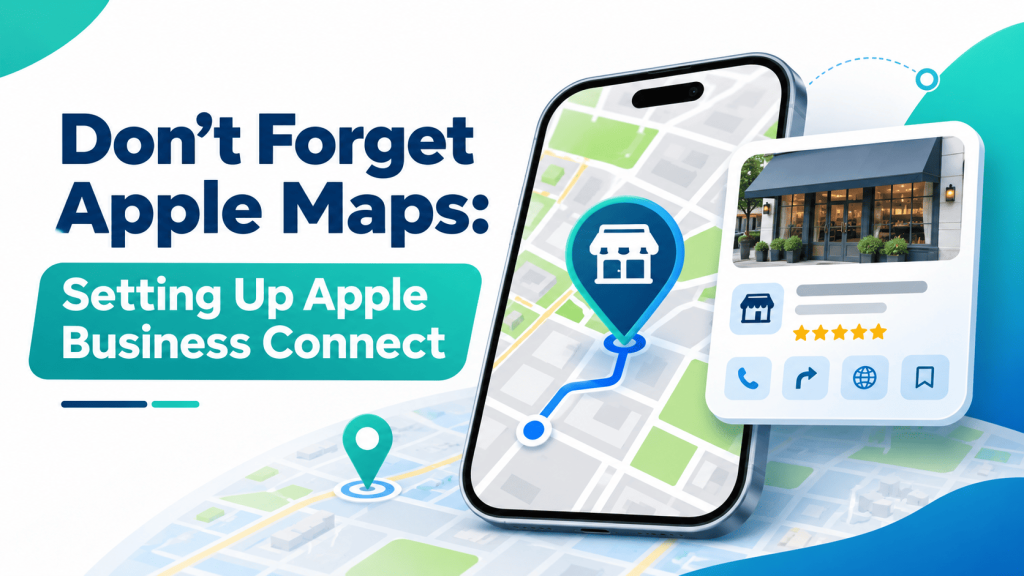
Many business owners carefully manage their Google Business Profile and never look at Apple Maps. Yet millions of iPhone users ask Siri for directions, search in Apple Maps, or tap a business that appears in their phone’s search results. If your Apple listing is incomplete or wrong, those customers see the wrong picture.
Apple Business Connect is Apple’s free tool for claiming and managing how your business appears across its apps.
What Apple Business Connect Controls
Through Business Connect, you can claim your place card, the information panel that appears in Apple Maps and related Apple services. You can update your name, address, phone number, hours, website, categories, and photos, and add your logo. Depending on your business type, you may also add action buttons, such as links for ordering or booking.
Apple also offers Showcases, which highlight timely offers, events, or announcements on your place card.
These details matter because many iPhone users never open a separate search app. They ask Siri, tap a suggestion in Spotlight search, or open Apple Maps directly. In each case, the information comes from Apple’s own data rather than your website, so a complete place card is often the first and only impression these customers get.
Claiming and Verifying Your Listing
Sign in at the Apple Business Connect website using an Apple Account, preferably one tied to a business email address. Search for your business, claim it if it exists, or add it if it does not. Apple will ask you to verify that you represent the business, which may involve a phone call or documentation.
Retailers benefit noticeably because shoppers often search on the go. A store listed in the Shopping and Sales category on Star Directory should make sure its Apple Maps hours and address match that listing exactly, so customers walking downtown get consistent information.
Keep It Maintained
Add special hours for holidays, refresh photos a few times a year, and review your place card after any business change. Check that your category accurately reflects your business. Apple Maps users can report problems with listings, so occasional review helps you catch unwanted changes.
Treat Apple Business Connect as part of your regular listing maintenance, alongside Google and Bing.
Conclusion
Apple Maps is a major way customers discover and navigate to local businesses, especially among iPhone users. Claim your listing through Apple Business Connect, complete every relevant field, and maintain it regularly. Pair it with accurate entries on Google, Bing, and directories such as Star Directory, and your business looks the same wherever customers search.
Frequently Asked Questions
Is Apple Business Connect free?
Yes. Apple Business Connect is free to use for claiming and managing your business information on Apple Maps and related services. You need an Apple Account to sign in, and Apple may ask you to verify your connection to the business.
Does Apple Maps use my Google Business Profile information?
No. Apple maintains its own business data, which is why a listing can be accurate on Google and wrong on Apple Maps. You need to manage your Apple listing separately through Business Connect to make sure the information customers see there is correct.
Can I manage multiple locations in Apple Business Connect?
Yes. Apple Business Connect supports businesses with multiple locations, and larger organizations can manage locations in bulk. Each location should have its own accurate address, hours, and phone number, just as on other mapping platforms.
How do I know if my Apple Maps listing is wrong?
Search for your business in Apple Maps on an iPhone, iPad, or Mac, and review the name, hours, address, phone, and photos. Ask a friend with an iPhone to check too. Claiming your listing gives you direct control to fix any inaccuracies.

admin
Helping businesses and websites get found, one listing at a time.